Microsoft · 2001 · classic settings
Windows XP Control Panel: the ten categories of the 2001 PC
Windows XP introduced Category View, a Control Panel that grouped its dozens of applets into ten pictured categories with a task list under each, while keeping Classic View for people who knew the icons. This page walks the categories as they stood in Service Pack 3, explains what each opened, and links every one to a window you can open. It is the oldest Windows in the simulator.
- Newest release here
- Windows XP SP3
- Versions you can open
- 2
- Top-level sections
- 10
- Rows in the tree
- 408
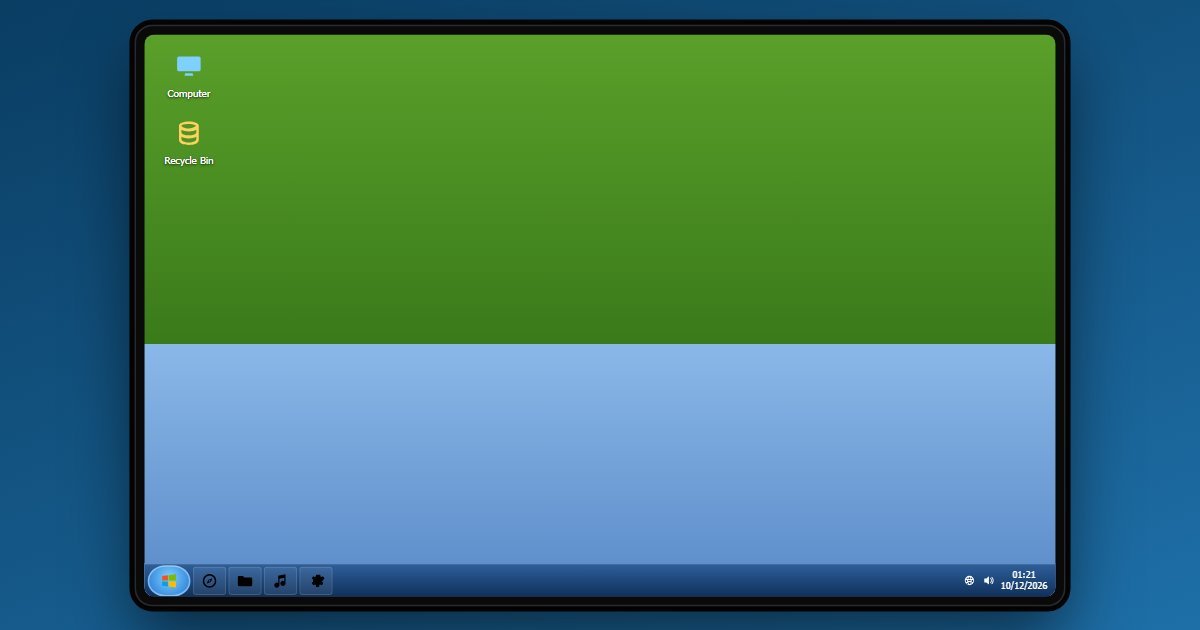
How Windows XP organises its Settings
Appearance and Themes leads with Display, Themes, the desktop background, the screen saver and the taskbar and Start Menu properties, and the resolution and colour-depth choices of the day. Network and Internet Connections opens the connections folder, the wireless network and Internet Options. Add or Remove Programs is the uninstall list plus Windows Components. Sounds, Speech, and Audio Devices sets the sound scheme.
Performance and Maintenance is the deepest category: System with its General, Computer Name, Hardware and Advanced tabs, System Restore, Administrative Tools, Power Options and Scheduled Tasks. Printers and Other Hardware covers printers, the mouse and the keyboard. User Accounts manages names, passwords, pictures and how users log on. Date, Time, Language, and Regional Options and Accessibility Options follow, and Security Center, added in Service Pack 2, closes the list with the firewall, Automatic Updates and virus-protection status.
What changes between versions
Two releases are here, Service Pack 2 from 2004 and Service Pack 3 from 2008. SP2 is the one that mattered: it added the Security Center, turned the firewall on by default and brought the pop-up blocker to Internet Explorer. SP3 rolled up later fixes without changing Control Panel. The ten categories are the same on both rungs, and the System applet under Performance and Maintenance reports the service pack you chose.
- Windows XP SP3 (newest)
- Windows XP SP2
Three settings worth knowing the path to
- Control Panel > Security Center > Automatic Updates
The setting SP2 nagged about with a red shield until it was on. It is the origin of the update prompts every later Windows carries.
- Control Panel > Performance and Maintenance > System Restore
The tab that turned System Restore on or off per drive and set how much space it could use. Turning it off was the classic bad advice for freeing disk space.
- Control Panel > Appearance and Themes > Change the screen resolution
800 by 600, 1024 by 768 or 1280 by 1024, with the colour quality beside it. It is the task most XP users opened Control Panel for.
Questions people ask about Windows XP settings
What was Category View in Windows XP?
The default Control Panel layout that grouped applets into ten categories with a list of tasks under each. Classic View, one click away, showed the flat grid of icons Windows 2000 had used.
What did Service Pack 2 change in Control Panel?
It added the Security Center category, which reported the state of the firewall, Automatic Updates and antivirus and turned the Windows Firewall on by default. SP3 kept it unchanged.
Is this the real Windows XP?
It is a simulation of Control Panel with the categories, tasks and wording of SP2 and SP3. The user, computer name and installed programs shown are sample values and nothing runs.