Google · in-car · in-car settings
Android Auto Settings: sixteen rows between the phone and the dashboard
Android Auto's settings live in the phone's Android Auto app, with a shorter copy reachable from the car's screen. This page walks the full list of sixteen rows as it stands in Android Auto 11, points out which ones fix the common connection and notification problems, and links each row to a screen you can open.
- Newest release here
- Android Auto 11
- Versions you can open
- 2
- Top-level sections
- 16 (2 of them plain switches)
- Rows in the tree
- 89
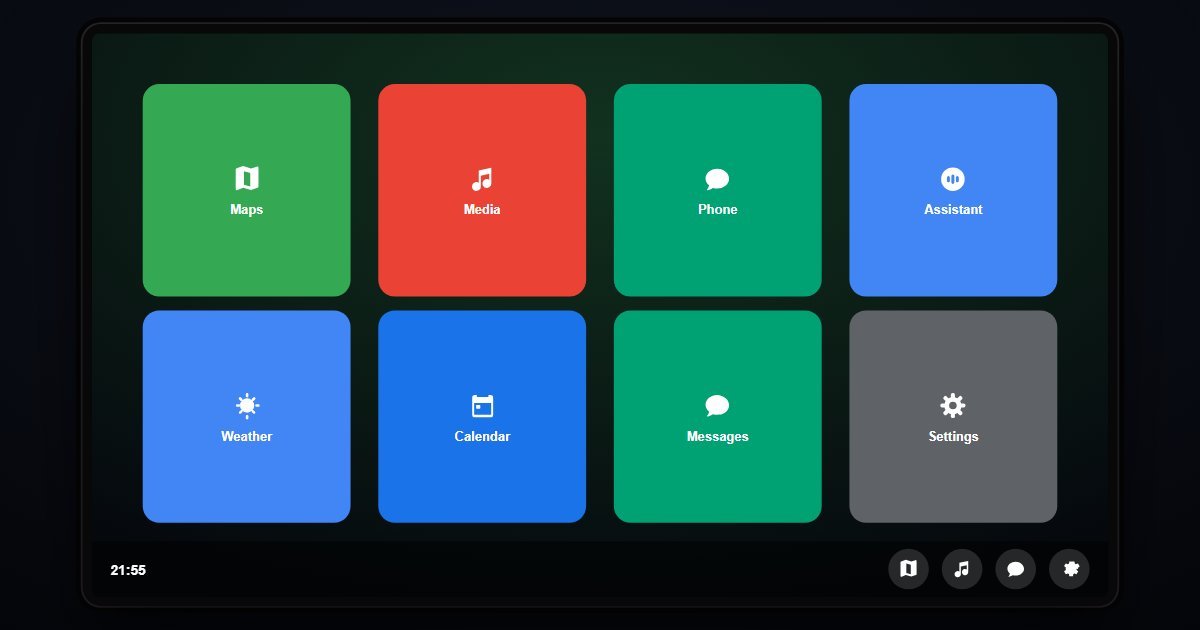
How Android Auto organises its Settings
The list opens with the screen itself: Customize launcher, which orders the icons on the car display, Wallpaper, a Show weather switch, Video for the parked-video preview, and Notifications, where message previews, group-chat alerts and priority contacts are set. Auto-play media and Day/Night mode follow, then About Android Auto with the version and connected phone.
The lower half is where problems get solved. Connection preferences holds Wireless Android Auto, Add a car, Forget all cars and the list of paired vehicles. Google Assistant sets Hey Google detection and the voice. Rearview & parking, Media, Messaging and Sound & voice each control one part of the drive: the default music app, whether messages are read aloud, whether Bluetooth is used for calls. Driving safety limits features while moving, and Developer settings, hidden until the version number is tapped ten times, exposes video resolution and DPI.
What changes between versions
Two releases are here, Android Auto 10 and 11, and they share the same sixteen rows. Google ships Android Auto as an app updated every few weeks rather than as a yearly system, so the version rail here is a sanity check on wording rather than a record of structural change. About Android Auto reports the release you chose.
- Android Auto 11 (newest)
- Android Auto 10
Three settings worth knowing the path to
- Settings > Connection preferences > Forget all cars
The reset that fixes most 'Android Auto won't connect' complaints. Pair the car again afterwards from the same page with Add a car.
- Settings > Messaging > Read messages aloud
Whether incoming texts are spoken through the car speakers. Turn it off here rather than muting notifications entirely, which would also hide navigation alerts.
- Settings > Developer settings > Video resolution
Forces 720p or 1080p output to a head unit that defaults to 480p. Unlock the row by tapping the version under About Android Auto ten times.
Questions people ask about Android Auto settings
Where are Android Auto settings on the phone?
Open the phone's Settings, search for Android Auto, or find it under Connected devices > Connection preferences on a Pixel. The list that opens is the one shown here.
Why can't I see Developer settings in Android Auto?
They are hidden until you tap the version number under About Android Auto ten times. After that the row appears at the bottom of the list, as it does in the simulator.
Is this the real Android Auto?
It is a simulation of the settings list with the rows and wording of each release. The paired cars and phone shown are sample values and no navigation or media plays.