Nintendo · console settings
Nintendo Switch System Settings: twelve entries in a two-column menu
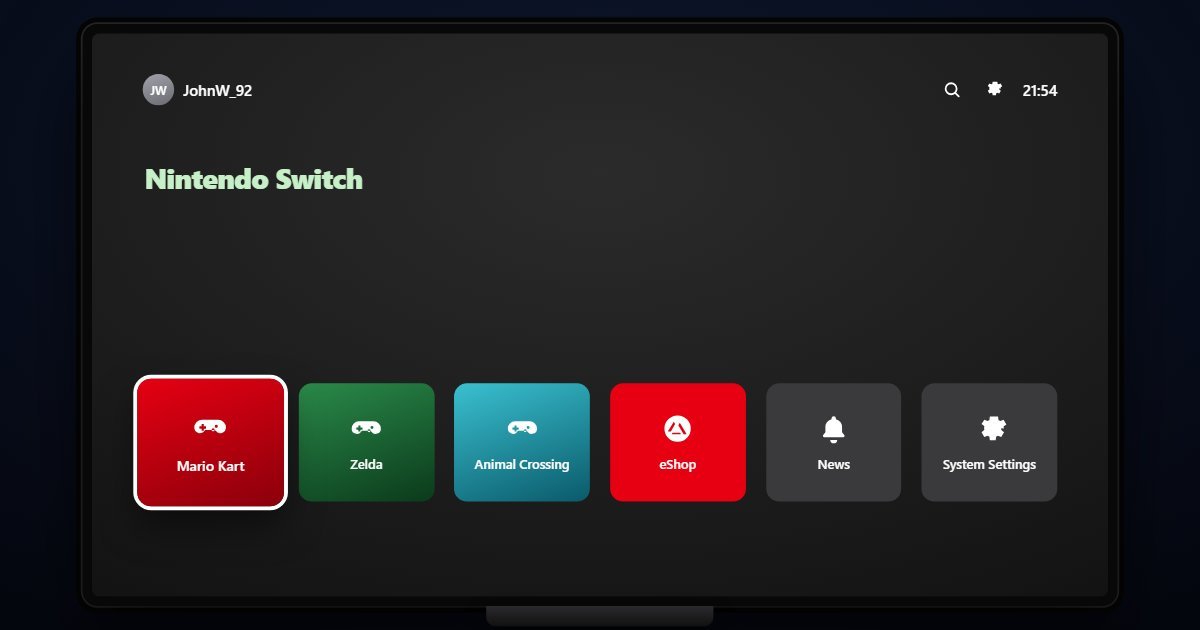
The Switch calls its settings System Settings, a gear on the home screen that opens a two-column page: twelve entries down the left, the selected entry's options on the right. This page walks those entries as they stand on firmware 22.5.0, explains what the three releases here change, and links every entry to a screen you can open.
- Newest release here
- Nintendo Switch 22.5.0
- Versions you can open
- 3
- Top-level sections
- 12 (1 of them plain switches)
- Rows in the tree
- 210
How Nintendo Switch organises its Settings
Airplane Mode is a single switch at the top. Internet holds the saved networks, Add Network and the connection test. Data Management shows system memory and the microSD card, with software and save data per game and the archive options. Screen Brightness has the auto-brightness and dimming switches. Themes offers Basic White and Basic Black, the two the console has ever had. Notifications and Sleep Mode follow, the latter with the timeouts and the wake-on-adapter option.
TV Settings sets the output resolution, the RGB range, whether the TV powers on with the console and the sound format. Controllers and Sensors has Change Grip/Order, stick and motion calibration, vibration and the Pro Controller wired option. Users lists the profiles and Nintendo Switch Online with auto-save upload. Parental Controls hands off to the phone app. System closes the list with System Update, Language, Region, Date and Time, TV Output, Console Info and the Formatting Options that initialise the console.
What changes between versions
Three firmware releases are here. 17.0 and 18.1 are the 2023 and 2024 releases for the original Switch and OLED model. 22.5.0 is the 2026 firmware line, which the Switch 2 also runs. The twelve entries have not changed across them; Nintendo adds features inside pages, such as the online options under Users, and the System Update page under System reports the firmware you chose.
Three settings worth knowing the path to
- System Settings > Controllers and Sensors > Calibrate Control Sticks
The fix for a Joy-Con that drifts. Calibration is on the console, not in a game, and this is the only place it lives.
- System Settings > TV Settings > RGB Range
Full or Limited. The wrong setting crushes blacks or greys them out, and the Switch cannot detect what the TV expects.
- System Settings > Sleep Mode > Wake When AC Adapter Connected
Whether docking the console wakes it. Off keeps a docked Switch asleep for charging, which is what most people want overnight.
Questions people ask about Nintendo Switch settings
Where are parental controls on the Switch?
System Settings > Parental Controls sets the PIN and restriction level on the console; the detailed limits and play-time reports live in the Nintendo Switch Parental Controls app on a phone.
Where is the resolution setting on the Switch?
System Settings > TV Settings > TV Resolution, with Automatic, 480p, 720p and 1080p. RGB Range and the TV sound format are on the same page.
Is this the real Switch menu?
It is a simulation of System Settings with the entries and wording of each firmware release. The user, games and network shown are sample values and no games run.