PS5 · console settings
PlayStation 5 Settings: twelve menus, and the ones that decide how games look
The PS5 keeps its settings behind a gear on the home screen: twelve menus in a vertical list, each opening a panel of grouped options with the game controller as the pointer. This page walks the list as it stands on system software 26.06, explains what the three releases here change, and links each menu to a screen you can open.
- Newest release here
- PlayStation 26.06
- Versions you can open
- 3
- Top-level sections
- 12
- Rows in the tree
- 557
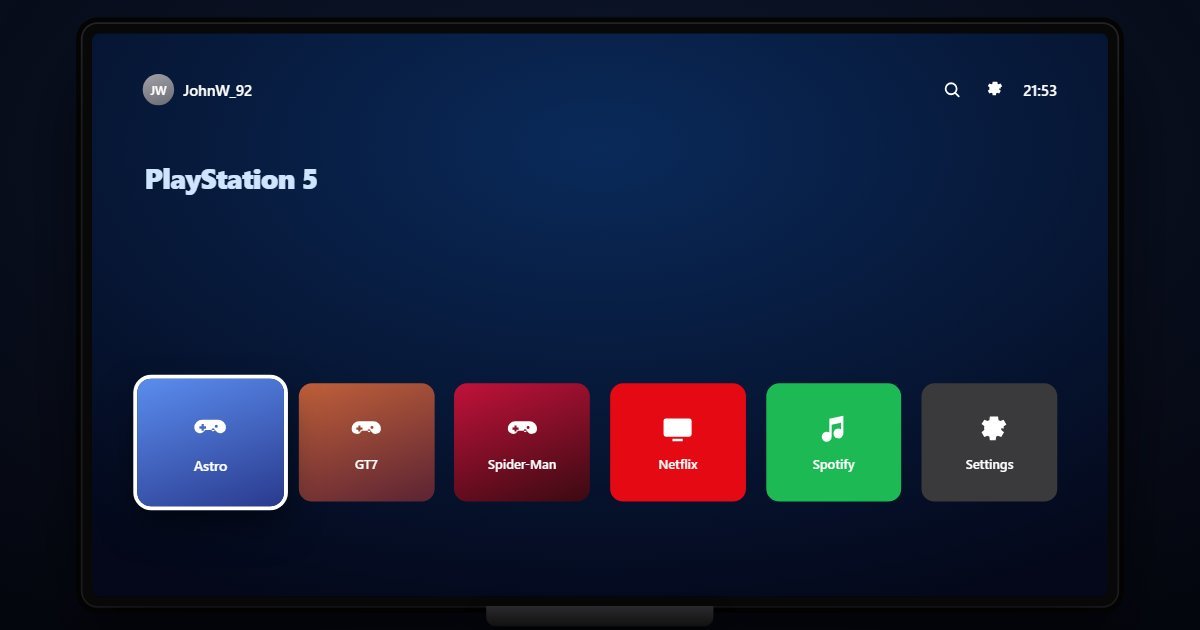
How PlayStation organises its Settings
Users and Accounts leads, with the Online ID, PlayStation Plus, Family Management and the sign-in options, including face recognition through the camera. Network handles the connection and its status. Screen and Video is the menu that matters on a new TV: Resolution, Enable 120 Hz Output, HDR, RGB Range and the display area. Sound sets the output device, the 3D Audio profile and the microphone level. Storage shows the console SSD and the M.2 expansion side by side.
Accessories covers the DualSense: vibration and trigger effect intensity, the controller speaker, Bluetooth headsets. System is the housekeeping menu, with System Software, Power Saving, Language, Date and Time, HDMI-CEC and the Beta Program. Accessibility, Notifications and Captures and Broadcasts follow. Saved Data and Game/App Settings holds cloud upload and the Game Presets that set difficulty, performance mode and inverted axes before a game asks. Family and Parental Controls closes the list with restrictions and the passcode.
What changes between versions
Three releases are here, named the way Sony names them, by year and month. 23.09 and 24.02 are the 2023 and 2024 software with the same twelve menus. 26.06, the 2026 line, adds Enhance PSSR Image Quality to the System menu and turns it on by default, applying the improved upscaling model to games that support it. The System Software page reports the exact build of the release you chose.
Three settings worth knowing the path to
- Settings > Saved Data and Game/App Settings > Game Presets
Difficulty, Performance or Resolution mode, subtitles and inverted axes, applied to every supporting game before it launches. Most owners never find it and set these per game instead.
- Settings > Screen and Video > Enable 120 Hz Output
Needs an HDMI 2.1 input and a compatible set; when the TV cannot take it, leaving it on causes blank screens. It sits beside HDR on the Video Output page.
- Settings > Family and Parental Controls > PS5 Console Restrictions
The age level for games, communication limits and the restriction passcode for this console, separate from the Family Management page under Users and Accounts.
Questions people ask about PlayStation settings
Where is the resolution setting on PS5?
Settings > Screen and Video > Video Output, with Resolution, Enable 120 Hz Output, HDR and RGB Range together. The Screen sub-page adjusts the display area if the edges are cut off.
What is Enhance PSSR Image Quality?
A system-software 26.06 option under System that applies the improved PlayStation Spectral Super Resolution model to games that support it. It is on by default and can be switched off there.
Is this the real PS5 menu?
It is a simulation of the Settings menus with the rows and wording of each system software release. The Online ID, storage figures and network shown are sample values and no games run.