Valve · SteamOS · console settings
Steam Deck Settings: the ten-entry SteamOS menu in Gaming Mode
In Gaming Mode the Steam Deck shows settings as a left-hand list of ten entries, driven with the sticks and buttons, with a separate KDE desktop underneath that most owners never open. This page walks the Gaming Mode list as it stands in SteamOS 3.8, explains what the three releases here change, and links every entry to a screen you can open.
- Newest release here
- Steam Deck SteamOS 3.8
- Versions you can open
- 3
- Top-level sections
- 10
- Rows in the tree
- 171
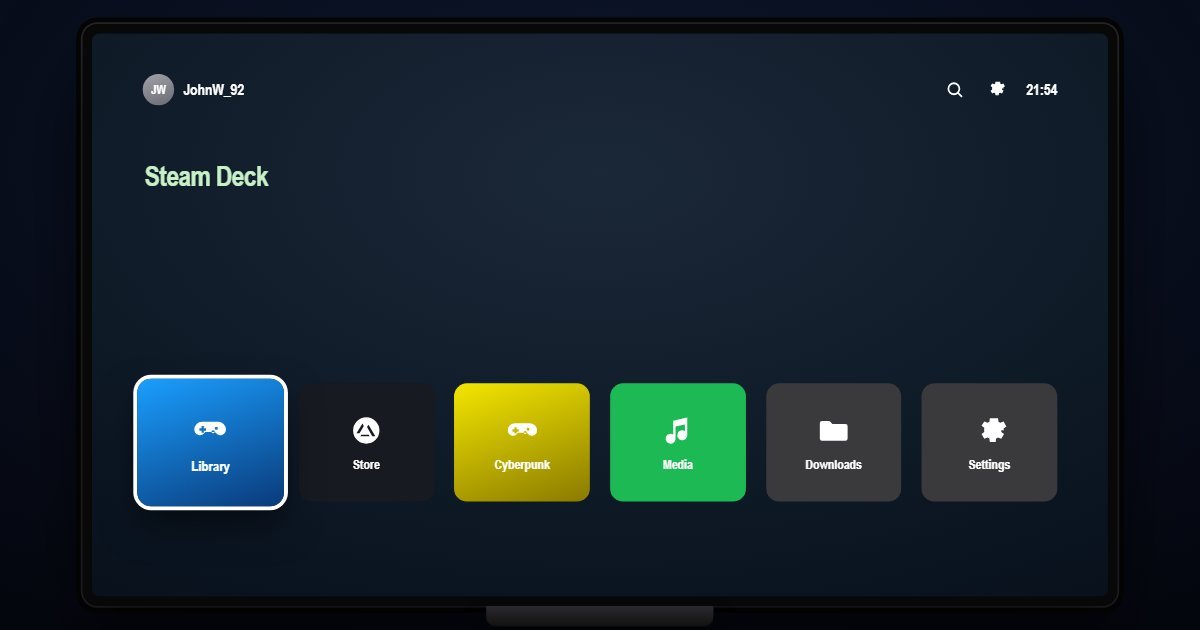
How Steam Deck organises its Settings
Internet and Bluetooth lead, with the saved networks and the paired controllers and headphones. Display sets automatic brightness, Night Mode, the colour profile, from Native to Boosted and Custom, and the refresh rate. Sound picks the output between speakers, headphones and Bluetooth and adds Bass Boost. Power holds the battery, the screen-off and suspend timers, and the battery charge limit that stops charging at eighty percent.
Controller opens Steam Input: layouts, official and community, and the switch that turns Steam Input on. Storage manages the internal drive and the microSD card, moves install folders and formats the card. System has System Update, Check for Updates, Enable Developer Mode and the time zone. Security holds Require PIN on wake, Change PIN and the Parental Lock. System Settings, a separate entry from System, has the startup movie, the home interface, Accessibility with High Contrast and Bold Text, and About.
What changes between versions
Three releases are here. SteamOS 3.5 from late 2023 and 3.6 from 2024 share the ten entries with the pages inside them growing. SteamOS 3.8, the 2026 stable release, adds initial Steam Machine support, restores Bluetooth wake on the LCD model and updates the graphics drivers, without changing the list. SteamOS 3.9 is still in preview and will be added when it reaches the stable channel. The System Update page reports the build you chose.
Three settings worth knowing the path to
- Settings > Power > Enable Battery Charge Limit
Stops charging at eighty percent, for a Deck that lives docked. It is the one Power setting that changes battery longevity rather than today's runtime.
- Settings > System > Enable Developer Mode
Unlocks the developer options and CEF debugging. Most guides for installing non-Steam software start with this switch, three rows into System.
- Settings > Security > Parental Lock
A PIN that gates the store, the desktop and settings changes, separate from the wake PIN above it. It is the row to know before handing the Deck to a child.
Questions people ask about Steam Deck settings
What is the difference between System and System Settings on the Steam Deck?
System has updates, developer mode and the time zone. System Settings has the startup movie, home interface, accessibility and About. Valve keeps both entries, and the simulator shows them as the Deck does.
Where is the refresh rate setting on the Steam Deck?
Settings > Display > Refresh Rate, below the colour profile. The per-game frame limiter is in the Quick Access menu, not in Settings.
Is this the real SteamOS?
It is a simulation of the Gaming Mode settings with the entries and wording of each SteamOS release. The network, controllers and storage shown are sample values and no games run.