Amazfit · watch settings
Zepp OS Settings: the ten-entry Amazfit menu, from Zepp OS 3 to 6
Amazfit watches run Zepp OS, a lightweight system with a settings menu of ten entries, swiped and tapped on the watch itself. This page walks that menu as it stands in Zepp OS 6, explains what the four releases here change, and links every entry to a screen you can open.
- Newest release here
- Zepp OS Zepp OS 6
- Versions you can open
- 4
- Top-level sections
- 10
- Rows in the tree
- 156
How Zepp OS organises its Settings
Connection leads with the paired phone, Bluetooth, automatic reconnection, Wi-Fi, Airplane Mode and, on the models that support it, Alexa and Find my phone. Watch Faces picks a face, opens the store and edits the widgets on it, and holds the Always On Display switch. Display sets auto brightness, the screen-off delay and the raise-wrist and tap-to-wake gestures. Sound and Vibration chooses the intensity and whether notifications vibrate.
Health Monitoring is where the sensors are configured: heart-rate detection interval, sleep quality, stress, SpO2 and PAI. Notifications selects the apps allowed to alert and Do Not Disturb. Workouts lists the sports shortcuts and the auto-detection switch. Battery shows the level and Battery saver. System has language, units, date and time, System update, Restart and Factory reset, and About closes the list with the device, the Zepp OS version, serial number and MAC address.
What changes between versions
Four releases are here. Zepp OS 3 and 4 are the 2023 and 2024 software of the GTR 4 generation. Zepp OS 5, from 2025, debuted on the Amazfit Balance 2 and reached the T-Rex 3 and Active 2. Zepp OS 6, from June 2026, launched on the Balance 3 and Balance Ultra and brings multi-device activity sync. The ten entries are the same throughout; About reports the release and the watch it shipped on.
Three settings worth knowing the path to
- Settings > Health Monitoring > Heart rate detection
Off, every minute or every ten minutes. The one-minute setting is what makes the heart-rate chart continuous and what costs a day of battery, so it is the trade-off to know.
- Settings > Display > Raise wrist to wake
Whether the screen lights when you turn your wrist. Off is the quiet option for cinemas and bed; the Always On Display under Watch Faces is the opposite choice.
- Settings > Connection > Reconnect automatically
Whether the watch re-pairs when the phone comes back in range. If notifications stop arriving after a walk without the phone, this is the switch to check.
Questions people ask about Zepp OS settings
Where is the settings menu on an Amazfit watch?
Swipe up or press the crown for the app list and open Settings. The ten entries shown here are the whole on-watch menu; the Zepp app on the phone mirrors most of them.
Which Amazfit watches have Zepp OS 6?
Zepp OS 6 launched in June 2026 on the Balance 3 and Balance Ultra. Zepp OS 5 runs on the Balance 2, T-Rex 3 and Active 2, and older models stay on Zepp OS 4 or 3.
Is this the real Zepp OS?
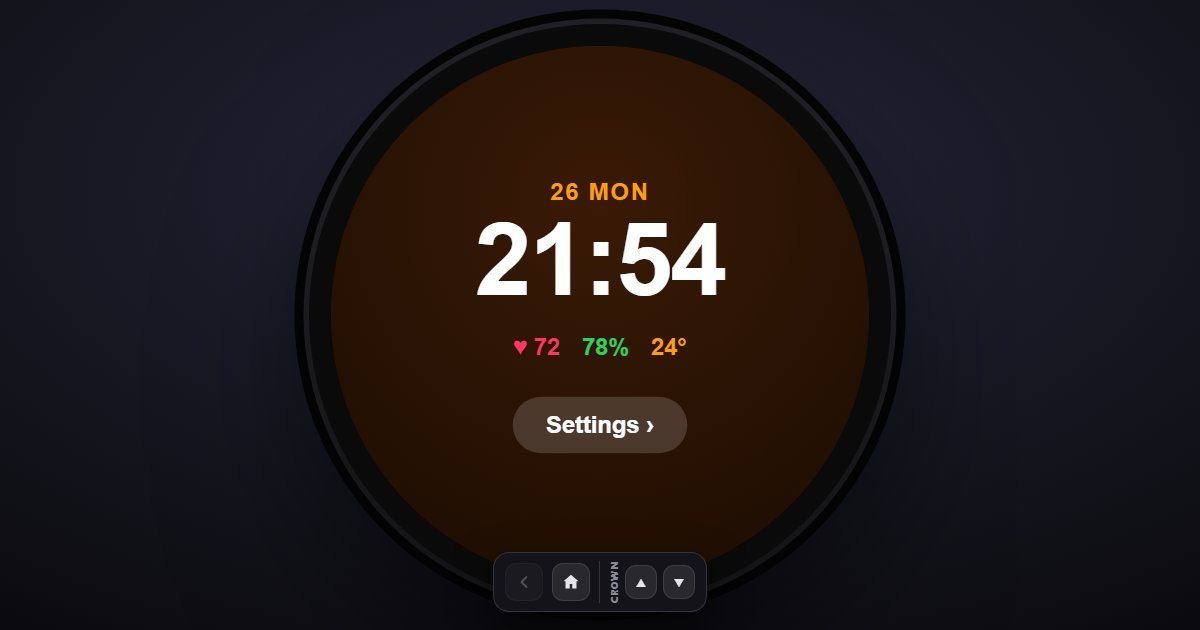
It is a simulation of the watch's settings menu with the entries and wording of each release. The device, serial number and MAC address shown are sample values.