Fitbit · Sense · watch settings
Fitbit OS Settings: ten entries on the watch, and what stays in the phone app
Fitbit's own smartwatch system, the one on the Sense and Versa lines before Google's Pixel Watch, keeps the on-watch settings deliberately short: ten entries, with everything else left to the Fitbit app on the phone. This page walks those ten as they stand in Fitbit OS 5, explains what OS 4 shared with it, and links every entry to a screen you can open.
- Newest release here
- Fitbit OS OS 5
- Versions you can open
- 2
- Top-level sections
- 10
- Rows in the tree
- 119
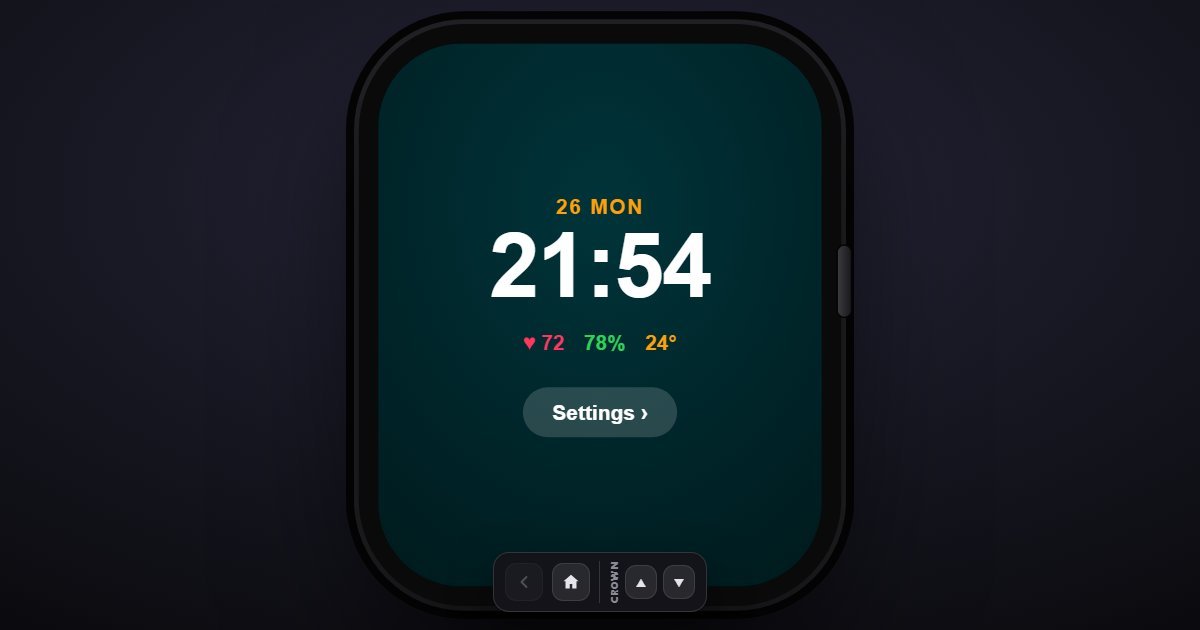
How Fitbit OS organises its Settings
Bluetooth leads, showing the paired phone and any Fitbit Buds. Notifications sets calls, texts, calendar and app alerts, the quick replies and Do Not Disturb. Display has the always-on option, the screen timeout at 8, 15 or 30 seconds and screen wake. Exercise and Activity holds the exercise shortcuts, auto-recognition, the daily step goal, reminders to move and Active Zone Minutes.
Heart and Health is the page the Sense was bought for: heart rate, high and low alerts, SpO2, the EDA stress scan, sleep, the ECG app and skin temperature. Vibration and Audio sets the strength and the chimes. Clock Face picks a face and edits its stats. Fitbit Wallet holds the cards for Fitbit Pay. Battery shows the level and Battery saver, and About closes the list with the firmware, serial number and Factory reset. There is no language, time or account entry on the watch; those are set from the phone.
What changes between versions
Two releases are here, Fitbit OS 4 and 5, the software of the Versa 2 era and of the Sense and Versa 3. They share the ten entries; OS 5 brought the Sense's health sensors, so its Heart and Health page is the fuller, and About reports the firmware you chose. Fitbit OS has since given way to Wear OS on the Pixel Watch, a separate system in the simulator.
- Fitbit OS OS 5 (newest)
- Fitbit OS OS 4
Three settings worth knowing the path to
- Settings > Heart and Health > High/low HR alerts
Notifies you when the resting heart rate leaves a range you set. It is off by default and it is the one Sense feature people wish they had turned on earlier.
- Settings > Display > Always-on display
Keeps the clock visible at the cost of roughly half the battery life. It is the first switch to check when a Sense that used to last six days lasts three.
- Settings > Exercise and Activity > Auto-recognize exercise
Starts a walk, run or bike record on its own after ten minutes of movement. Turn it off here if the watch keeps logging your commute as a workout.
Questions people ask about Fitbit OS settings
Where do I change the language or time on a Fitbit watch?
In the Fitbit app on the phone. The watch's own settings menu has no language, time or account entry; it syncs those from the phone.
Is Fitbit OS the same as Wear OS on the Pixel Watch?
No. Fitbit OS is Fitbit's own system for the Sense and Versa. The Pixel Watch runs Google's Wear OS with a Fitbit app on top, and the simulator lists it separately.
Is this the real Fitbit menu?
It is a simulation of the on-watch settings with the entries and wording of Fitbit OS 4 and 5. The paired phone, card and serial number shown are sample values.