Apple iPhone · phone settings
iOS Settings: how the iPhone menu is organised, version by version
The iPhone Settings app is one long scrolling list, not a set of categories, and Apple reshuffles it every couple of years. Here is the list as it stands in iOS 27, what iOS 18 and 26 changed, and a link into every section.
- Newest release here
- iOS 27.0
- Versions you can open
- 5
- Top-level sections
- 29 (1 of them plain switches)
- Rows in the tree
- 1,828
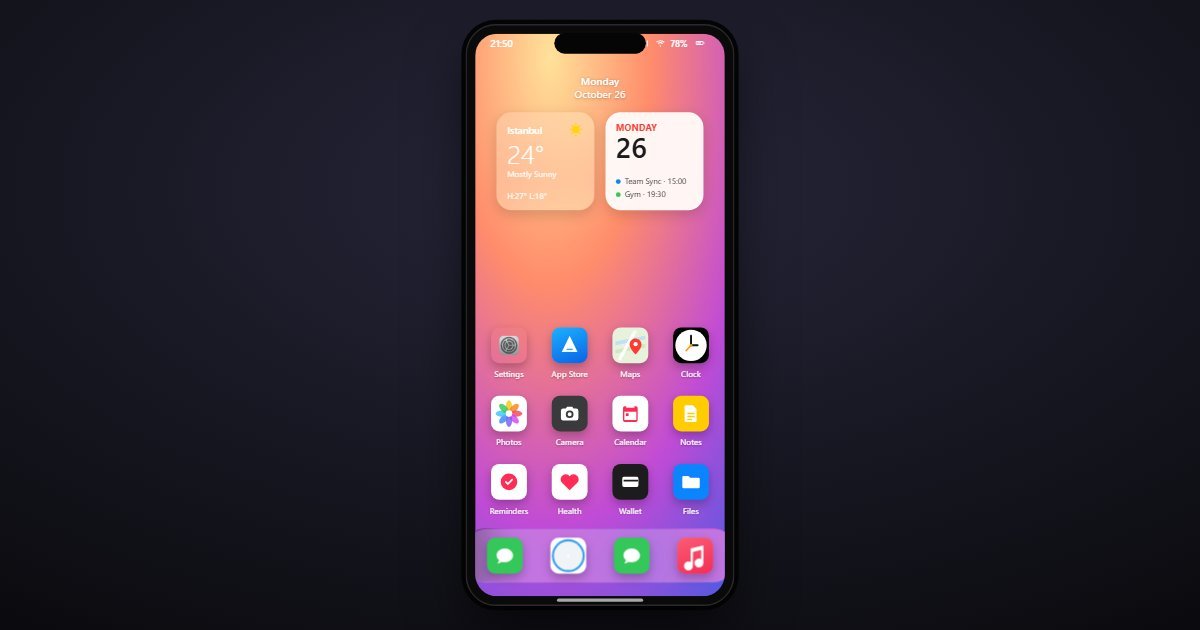
How iOS organises its Settings
iOS puts the radios first: Airplane Mode, Wi-Fi, Bluetooth, Cellular and Personal Hotspot, followed since iOS 18 by Battery, promoted from the middle of the list to the block people reach for most. Below that comes the system block, General through Wallpaper, sorted alphabetically since iOS 18 so a row sits where its name says it should.
Then the attention rows, Notifications, Sounds & Haptics, Focus and Screen Time; then Face ID & Passcode, Emergency SOS and Privacy & Security; then App Store, Game Center, Wallet and Passwords. Everything that belongs to one app lives behind a single Apps row at the bottom, where iOS 18 moved the per-app entries that used to stretch the list. General remains the junk drawer: About, Software Update, AirDrop, Storage, Keyboard, Language & Region and the reset options.
What changes between versions
Both big reorganisations show across the five releases. iOS 17.5 and 16.7 keep the older list, with Siri & Search and per-app rows at the root. iOS 18.6 moved Battery up, made the system block alphabetical and added the Apps folder. iOS 26.6 put Liquid Glass into Display & Brightness and rebuilt Battery around Adaptive Power. iOS 27.0 turns Liquid Glass into a slider, adds Siri AI and rebuilds Screen Time around Time Allowances and Ask to Browse.
Three settings worth knowing the path to
- Settings > Display & Brightness
Home of the Liquid Glass control: two choices in iOS 26, a slider from ultra-clear to fully tinted in iOS 27. It is the first thing people change when text looks washed out.
- Settings > Battery > Power Mode
Adaptive Power, new in iOS 26, trims performance on heavy days and can turn on Low Power Mode at 20 percent. It is on by default, which surprises people who never chose it.
- Settings > Screen Time > Ask to Browse
New in iOS 27: every new website a child opens waits for approval in Messages on the parent's phone, alongside Time Allowances and Ask to Buy.
Questions people ask about iOS settings
Why can't I find my app's settings at the root of iOS Settings any more?
Since iOS 18 every per-app entry lives inside Settings > Apps, at the bottom of the list, each with the options it used to show at the root.
Where did Siri go in iOS Settings?
The row is called Apple Intelligence & Siri since iOS 18.1. In iOS 27 it also holds the Siri AI switch, the Siri app's conversations and Personal Context, above the familiar voice options.
Is this the real iOS?
It is a simulation of the Settings app only. Menus, wording and order follow each iOS release as Apple shipped it, but no apps run and values such as the Wi-Fi network name are sample data.