OnePlus · phone settings
OxygenOS Settings: the twelve-row OnePlus menu and its Special features
OnePlus keeps Settings short. OxygenOS shows twelve rows, most of them named the way ColorOS names them since the two systems merged, with a Special features row that holds everything OnePlus is known for. This page walks the list as it stands in OxygenOS 16 on Android 16, explains what the versions here share, and links every row to a screen you can open.
- Newest release here
- OxygenOS 16
- Versions you can open
- 3
- Top-level sections
- 12
- Rows in the tree
- 480
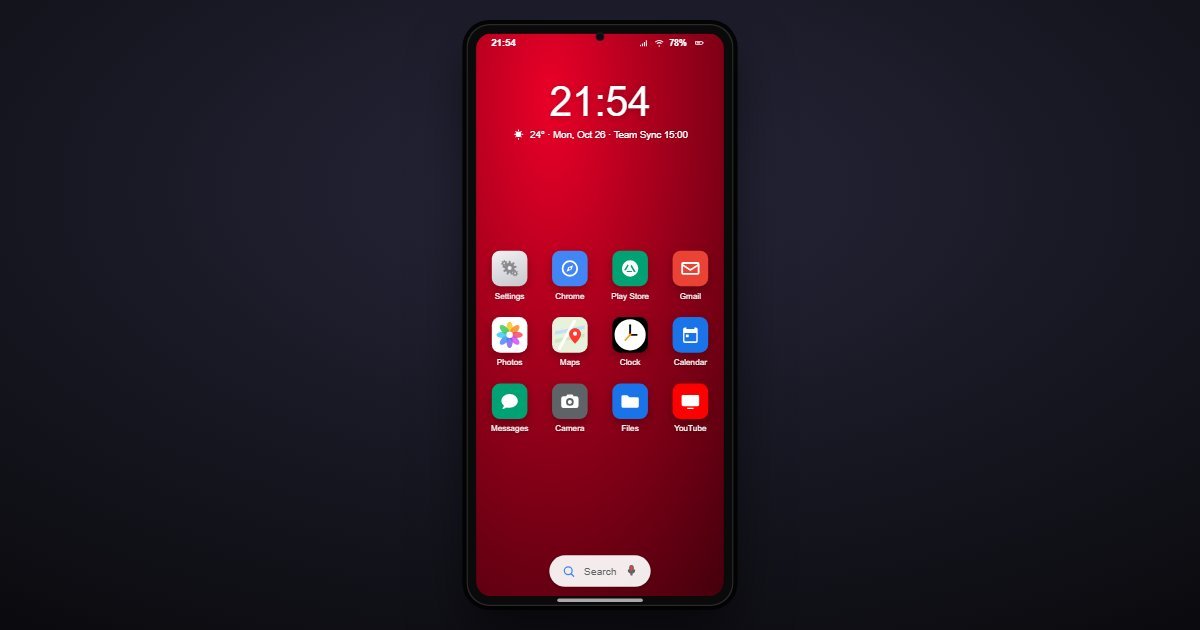
How OxygenOS organises its Settings
Wi-Fi and Bluetooth lead as separate rows, then Connection and sharing for the SIMs, mobile data, VoLTE and the hotspot. Customization is the OnePlus row for wallpapers, icons, the fingerprint animation, Horizon Light and the Always-On Display clock. Display and brightness follows with refresh rate and colour modes, then Sound and vibration and Notification and status bar, which controls the battery percentage and icons in the bar.
Special features is where the OnePlus extras live: Smart Sidebar, the Gemini or Assistant hand-off, Flexible windows, Game mode, the notch display option, Quick launch and Aqua Touch for wet screens. Battery holds Battery saver, the SUPERVOOC charging controls, Optimized night charging and Battery health. Security and privacy covers the screen lock, face unlock, App lock, Permission manager, Private Safe and Find My Device. System settings has languages, date and time, backup and reset, and About device closes the list.
What changes between versions
Three releases are here, and they share the twelve-row list. OxygenOS 14 sits on Android 14, OxygenOS 15 on Android 15 and OxygenOS 16 on Android 16, with a OnePlus 12 as the reference device. What differs is inside the pages, and About device reports the OxygenOS and Android version you chose. OxygenOS 17, on Android 17, is expected in November and will be added once it ships as a stable release.
- OxygenOS 16 (newest)
- OxygenOS 15
- OxygenOS 14
Three settings worth knowing the path to
- Settings > Special features > Smart Sidebar
The floating toolbar swiped in from the screen edge, the most-used OnePlus feature and the one most often triggered by accident. It is the first row of Special features.
- Settings > Battery > Optimized night charging
Holds the charge at eighty percent overnight and finishes before the usual wake-up time. It sits under the SUPERVOOC charging entry rather than at the top of the Battery page.
- Settings > Security and privacy > Private Safe
An encrypted folder for files and photos that stays hidden from the gallery. It is a row of Security and privacy, next to App lock.
Questions people ask about OxygenOS settings
Why does OxygenOS look like ColorOS?
Since OxygenOS 13 the two systems share a codebase, so the row names, Connection and sharing, Special features, Customization, are the same on OnePlus and Oppo phones. The visual theme is what differs.
Where is Game mode on a OnePlus phone?
Settings > Special features > Game mode, with Do not disturb in game beneath it. OnePlus does not give games a top-level row.
Is this the real OxygenOS?
It is a simulation of the Settings app with the rows and wording of each OxygenOS release. The device, model and processor shown are sample values and no apps run.