Apple TV 4K · TV settings
tvOS Settings: eleven menus on the Apple TV, and what each one hides
The Apple TV keeps Settings short. Eleven top-level menus, each a full-screen list driven from the remote, cover everything from HDR output to the screensaver. This page walks those menus as they stand in tvOS 27, explains what the versions here change, and links each one to a screen you can open.
- Newest release here
- tvOS 27
- Versions you can open
- 5
- Top-level sections
- 11
- Rows in the tree
- 441
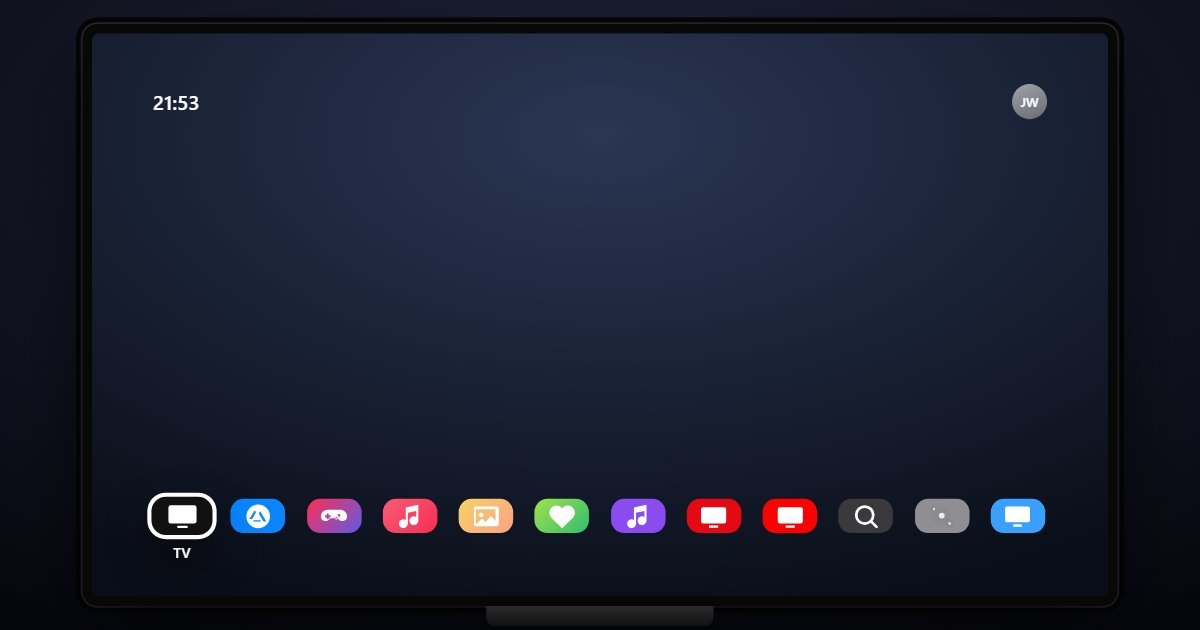
How tvOS organises its Settings
General comes first and carries the most: About, Software Updates, Language & Region, Screen Saver timing, Privacy, Restrictions and Reset. Users and Accounts manages the Apple Account, iCloud and Game Center for each profile. Video and Audio is the page people open on a new TV: Format for 4K, HDR and Dolby Vision, Match Content for frame rate and dynamic range, Audio Output and Reduce Loud Sounds.
AirPlay and HomeKit decides who may stream to the box and which room it belongs to. Remotes and Devices pairs the Siri Remote, game controllers and Bluetooth headphones, and holds the volume and TV control options. Apps, Network and Accessibility follow; Accessibility has VoiceOver, Zoom, captions and audio descriptions. System holds sleep, restart and storage, Screen Savers picks the aerial themes, and Siri closes the list with language and dictation history.
What changes between versions
Five releases are here. tvOS 16.6 and 17.5 keep the original eleven-menu layout. tvOS 18 and 26 keep it too; what changes between them is inside General and System, where About and Software Updates report the release and the profile pages under Users and Accounts follow it. tvOS 27 arrives with the same structure, so on the Apple TV the version rail is mostly a way to check which build a given screen belongs to.
Three settings worth knowing the path to
- Settings > Video and Audio > Match Content
Match Frame Rate and Match Dynamic Range stop the box upconverting everything to Dolby Vision at 60 Hz. It is the first setting home-theatre guides send you to and it is off by default.
- Settings > AirPlay and HomeKit > Allow Access
Everyone, Anyone on the Same Network or Only People Sharing This Home. The choice decides whether guests can send video to your TV, and whether a code is required.
- Settings > General > Restrictions
Apple's parental controls on the TV: purchases, explicit content and app ratings, behind a four-digit code. It sits under General rather than in a Screen Time row.
Questions people ask about tvOS settings
Where is Screen Time on the Apple TV?
There is no Screen Time row on tvOS. Content limits live under General > Restrictions, and purchase approvals come from the Apple Account under Users and Accounts.
How do I change the Apple TV output resolution?
Settings > Video and Audio > Format lists 4K SDR, 4K HDR, 4K Dolby Vision and 1080p at each refresh rate. Match Content on the same page changes it per programme instead.
Is this the real tvOS?
It is a simulation of the Settings app with the menus and wording of each release. The Apple TV name, capacity and serial number shown are sample values, and no apps run.