LG Smart TV · TV settings
LG webOS TV Settings: seven menus, from Picture modes to AI Concierge
LG's Smart TVs run webOS, and their full settings are reached through All Settings from the quick panel: seven menus in a left-hand column, each opening a page of grouped options. This page walks those menus as they stand in webOS 26, explains what the four releases here change, and links every menu to a screen you can open.
- Newest release here
- LG webOS webOS 26
- Versions you can open
- 4
- Top-level sections
- 7
- Rows in the tree
- 308
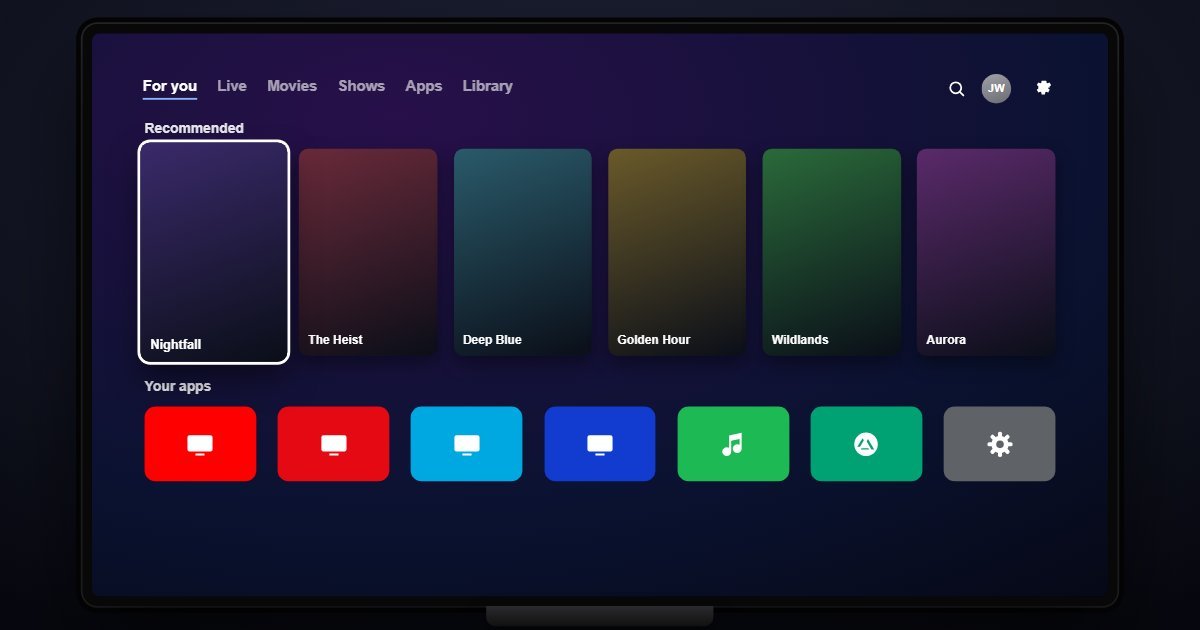
How LG webOS organises its Settings
Picture leads with the modes, Vivid, Standard, Cinema, Filmmaker Mode and Game Optimizer, and Advanced Settings for contrast, black level, colour temperature, Dynamic Tone Mapping and the AI Picture Pro processing. Sound has the modes, AI Sound Pro and Sound Out for choosing the internal speakers, a soundbar or WiSA speakers. Channels covers tuning and the channel manager. Connection handles Wi-Fi, wired networks and the device-connection options.
General is the long menu: AI Service with voice recognition, recommendations and the AI Concierge; Devices for the TV, external devices and HDMI settings; System for language, time, location and the home settings; Quick Start+, Energy Saving and Safety. Accessibility has audio guidance, high contrast, subtitles and pointer options. Support closes the list with Software Update, Quick Help and About This TV, which shows the model, webOS and software version and the serial number.
What changes between versions
Four releases are here, one for each model year: webOS 23, 24, 25 and 26. LG names the release after the year of the sets it ships on, and since 2023 it has also pushed the newer versions to older TVs under its update programme. The seven menus are the same across all four; what changes is inside General, where the AI Service rows grow with each year, and on About This TV, which reports the webOS version you chose.
Three settings worth knowing the path to
- Settings > General > Energy Saving
Off, Minimum, Medium or Maximum. The default caps brightness on a new LG, and turning it off is the usual first step before adjusting Picture.
- Settings > Sound > Sound Out
Internal TV Speaker, a soundbar over HDMI or optical, or WiSA speakers. When a soundbar stays silent this is the row to check before the cable.
- Settings > General > Quick Start+
Keeps the TV half-awake so it turns on instantly, at the cost of standby power. It is the switch to turn off when a set warms the room while off.
Questions people ask about LG webOS settings
Where is HDMI-CEC on an LG TV?
Under General > Devices > HDMI Settings, where LG calls it SIMPLINK. The same page holds the HDMI Deep Colour option needed for 4K at 120 Hz.
How do I find the webOS version of my LG TV?
Settings > Support > About This TV lists the model, the webOS version and the software build. The simulator's four rungs show the same page for each model year.
Is this the real webOS?
It is a simulation of the LG TV settings with the menus and wording of each webOS release. The model, serial number and network shown are sample values.